
The apps you need before traveling to China
In China, many of the apps you use every day don't work on the local internet. Here's the list to get your phone ready before you board the plane.
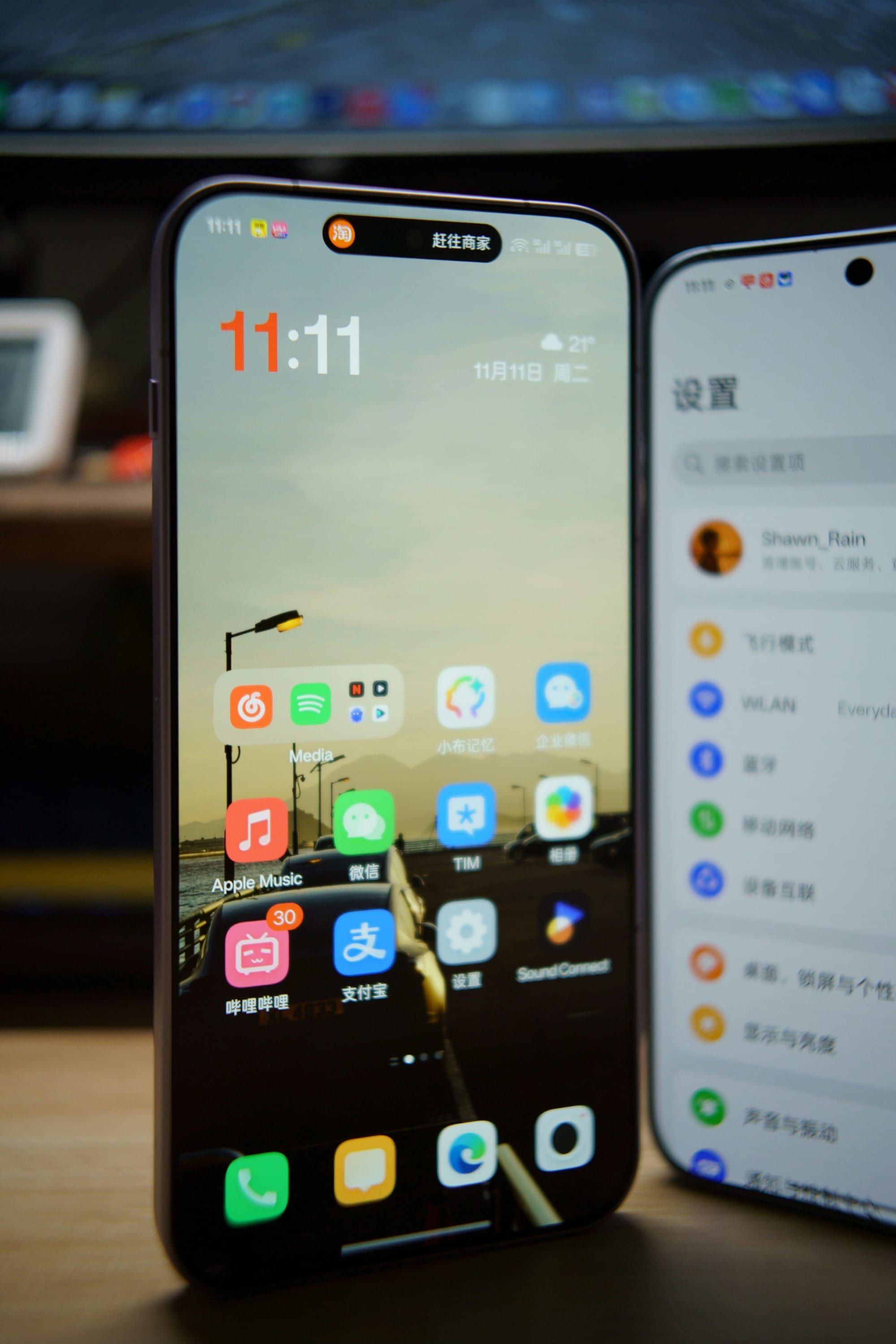
Arriving in China with a phone that isn’t ready is the most common mistake. On China’s internet, many apps from outside the country don’t work: Google (Maps, Gmail, Translate), WhatsApp, Instagram, Facebook, and YouTube, among others. And the apps everyone there does use, like Alipay or WeChat, are best installed and set up before you leave home.
This is the list we recommend, in order of importance.
1. Internet from the moment you land
Before any app, figure out how you’re going to get online:
- Roaming from your carrier: it’s the easiest option, though it’s usually the most expensive. Check their China plans before you leave.
- A travel data eSIM, like Holafly: you buy it online, scan a code, and you have data when you arrive. Make sure your phone supports eSIM.
With roaming or an international eSIM, apps from outside China usually work, because your data connects through a network in another country. On hotel Wi-Fi or a Chinese SIM, they don’t.
2. For paying: Alipay and WeChat
In China, almost everything is paid for with a QR code. Install Alipay and WeChat, link your card, and verify your identity before the trip. We explain it step by step in the guide on how to pay in China.
WeChat is also the app for talking to anyone: hotels, drivers, guides, and suppliers will ask for your WeChat, not your phone number.
3. For getting around: maps and transportation
Google Maps isn’t reliable inside China. Use Amap (高德地图) to search for places, see subway routes, and estimate travel times. A tip: save your hotel’s address written in Chinese (ask for it when you book) so you can show it to the taxi driver.
For trains, flights, and hotels, Trip.com works in English and accepts foreign cards. High-speed trains are the best way to get from one city to another.
4. For communicating: translators
Very few people speak English outside the big hotels. You have two options:
- A voice translator, which works even when you have no signal. In the products section, there are models that translate offline and others that translate photos of menus and signs.
- Dictionary apps like Pleco, which is really handy for looking up a character by drawing it with your finger.
5. So you don’t lose anything important
- Save copies of your passport and your bookings on your phone, without relying on Gmail or Google Drive, which may not open.
- Download offline maps and your hotel’s address in Chinese.
- Bring a power bank: your phone is your wallet, your map, and your translator.
Checklist before you leave
| What | What for |
|---|---|
| Roaming or eSIM | Internet from the moment you land |
| Alipay | Paying in stores, restaurants, and on transit |
| Messages and payments | |
| Amap | Maps, subway, and routes |
| Trip.com | Trains, flights, and hotels |
| Translator or Pleco | Communicating without signal |
If you’re traveling for work and plan to visit factories, check out the services in China: private driver, someone to go with you to supplier visits, and merchandise inspection.